
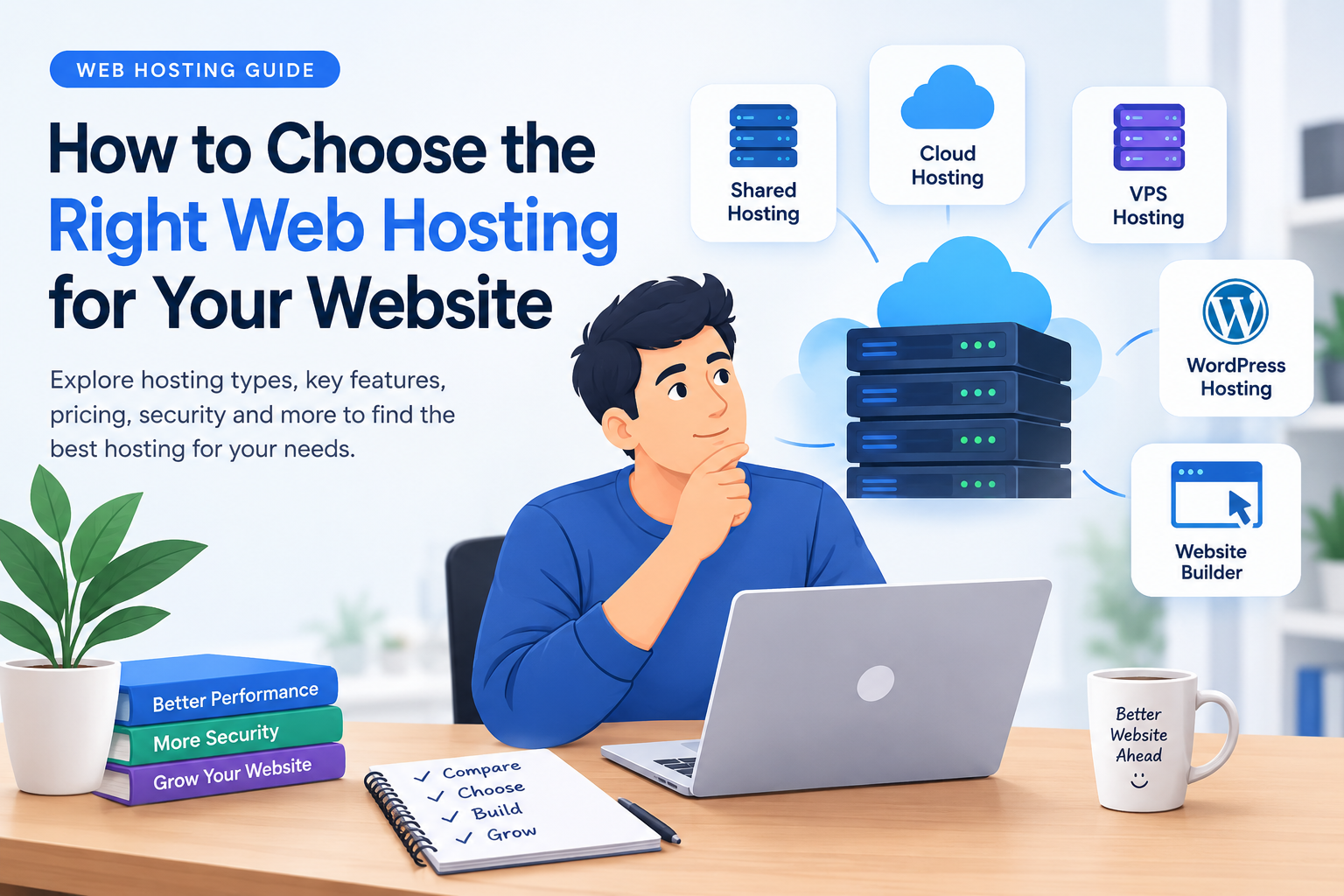
Starting a website is easier than it used to be. Today, people can create blogs, business websites, online stores, portfolios, and other online projects without having advanced technical knowledge. However, before publishing a website, one important decision needs attention: choosing the right web hosting service.
Web hosting is the service that stores your website’s files and makes them available to visitors through the internet. Your hosting provider can influence website performance, security, reliability, and the overall experience of managing your website.
There are many hosting companies offering different packages, features, and prices. This can make the selection process confusing, especially for beginners.
The good news is that you do not need the most expensive hosting package to start a website. You need a service that matches your website’s requirements and gives you enough flexibility to grow.
In this guide, we will explain the main types of web hosting, important features to compare, common mistakes to avoid, and how to select a suitable hosting provider.
1. Understand What Web Hosting Actually Does
A website contains different files, including images, text, code, databases, and other resources. These files need to be stored on a server so that people can access your website whenever they enter its address.
A hosting provider supplies the server infrastructure and related services required to keep your website available online.
For example, imagine that you want to launch a technology blog. You purchase a domain name, install a content management system such as WordPress, and upload your articles. A hosting service stores the website files and delivers them to visitors when they open your pages.
Without web hosting, your website would not have a server environment from which visitors could access its content.
2. Different Types of Web Hosting
Not every website needs the same hosting environment. Understanding the available options can help you avoid paying for resources you do not need.
Shared Hosting
Shared hosting is commonly used by beginners, bloggers, and small website owners.
In this arrangement, multiple websites use resources from the same physical server. The hosting company manages the server environment, while customers manage their individual websites.
Suitable for:
- Personal blogs
- New websites
- Small business websites
- Portfolio websites
- Websites with modest traffic
The main advantage is affordability. However, server resources are shared, so performance can be affected by the overall server workload and the hosting provider’s resource limits.
VPS Hosting
VPS stands for Virtual Private Server. It provides a virtual server environment with allocated resources.
VPS hosting generally offers more control and flexibility than basic shared hosting. It can be useful for developers and website owners who need specific server configurations.
Suitable for:
- Growing websites
- Development projects
- Applications with specific requirements
- Websites requiring additional server control
VPS hosting may require more technical knowledge, particularly when choosing an unmanaged service.
Cloud Hosting
Cloud hosting uses resources across a cloud infrastructure rather than relying on a single traditional server.
Depending on the provider and configuration, cloud hosting can offer flexible resource management and support for changing workloads.
Suitable for:
- Growing online businesses
- Websites with changing traffic
- Web applications
- Projects requiring flexible infrastructure
Before selecting a cloud hosting service, understand how resource usage is measured and billed.
Dedicated Hosting
Dedicated hosting provides an entire physical server for one customer.
It offers greater control over the server environment but usually comes with higher costs and management responsibilities.
Suitable for:
- Large websites
- Resource-intensive applications
- Businesses with specific infrastructure requirements
- Projects requiring dedicated server resources
For a new blog or small website, dedicated hosting is usually unnecessary.
3. Check Website Performance and Server Reliability
Website performance is an important part of the visitor experience. A slow website can make it difficult for readers to browse articles, open pages, or complete purchases.
When comparing hosting providers, look beyond marketing claims and investigate the actual infrastructure and service details.
Here are some useful points to examine:
Server resources: Check the storage, memory, processing resources, and other limits included in the package.
Data centre locations: Consider whether the provider offers server locations suitable for your expected audience.
Caching support: Caching can reduce repeated processing and help pages load more efficiently.
Content Delivery Network: A CDN can distribute website content through multiple locations, potentially improving access for visitors in different regions.
Uptime information: Review the provider’s uptime commitment and the terms associated with it. A published uptime guarantee is not the same as proof of actual performance.
If possible, test a website hosted on the service or look for independent performance reports before making a long-term decision.
4. Compare Hosting Prices Carefully
Price is often one of the first things beginners check. However, the lowest advertised monthly price is not necessarily the lowest long-term cost.
Hosting companies may offer promotional rates for an initial subscription period. Renewal prices can be different.
Before purchasing, check:
- Initial subscription price
- Renewal price
- Available billing periods
- Included website limits
- Storage and resource limits
- Domain registration conditions
- Backup availability
- Email hosting features
- Refund and cancellation policies
For example, a package may appear inexpensive initially but require a longer billing commitment. Another package may cost more but include features that you would otherwise purchase separately.
Compare the total cost for the period you intend to use the service.
5. Is WordPress Hosting a Good Choice?
WordPress is a popular content management system used for blogs, business websites, publications, and online stores.
Many hosting providers offer plans designed specifically for WordPress websites.
Depending on the provider, these plans may include features such as:
- WordPress installation tools
- Automatic updates
- WordPress-specific security features
- Backup options
- Performance optimisations
- Staging environments
These features can simplify website management, particularly for people who do not want to configure every technical detail manually.
However, a package labelled WordPress hosting is not automatically better than every regular hosting package. Compare the actual features and resource limits before choosing.
6. Security Features You Should Check
Website security should be considered before launching a website, not after experiencing a problem.
A hosting provider may offer several security-related services, but website owners also have responsibilities.
Important features to investigate include:
SSL certificates: HTTPS helps encrypt communication between visitors and your website.
Backups: Regular backups can help restore website data after accidental deletion or technical problems. Check backup frequency and restoration conditions.
Malware protection: Some providers offer security scanning or malware-related services.
Firewall protection: Server-level security tools can help filter unwanted traffic.
Account protection: Strong passwords and two-factor authentication can help protect hosting accounts.
You should also keep your website software, plugins, and themes updated.
7. Why Customer Support Matters
Technical problems can happen even when a website is properly configured. A database error, email problem, server issue, or incorrect DNS setting can affect website availability.
This is why customer support is an important part of choosing a hosting company.
Before purchasing, check:
- Available support channels
- Support hours
- Documentation and tutorials
- Knowledge base quality
- Technical assistance included in the plan
- Languages supported by the support team
If you are a beginner, accessible documentation and helpful support can make website management easier.
8. How to Evaluate a Hosting Provider
Choosing a hosting company should involve more than comparing promotional banners.
Use the following checklist before making your decision:
| Factor | What to Check |
|---|---|
| Performance | Server resources and performance information |
| Pricing | Initial and renewal costs |
| Security | SSL, backups and security tools |
| Support | Contact options and availability |
| Scalability | Options for upgrading your plan |
| WordPress | Installation and management features |
| Reliability | Uptime terms and service history |
| Restrictions | Storage, bandwidth and resource limits |
You can use this checklist to compare several hosting providers and identify which one suits your website.
9. Should You Consider Hostinger?
Hostinger is one of the web hosting providers that website owners can include in their comparison.
Its website lists hosting services and tools for people interested in launching websites, managing WordPress projects, and building an online presence.
Before selecting a Hostinger package, visit its official website and review the available hosting products.
Pay particular attention to:
- Which hosting plans are currently available
- How many websites each plan supports
- Storage and resource allowances
- Promotional and renewal pricing
- Included website management features
- Backup and security conditions
- Available customer support
Hostinger may be worth comparing with other providers, but the right choice depends on your website’s requirements and budget.
You can explore the available services here:
Visit the Official Hostinger Website
10. Common Web Hosting Mistakes Beginners Should Avoid
Many new website owners focus only on the initial hosting price. This can lead to problems later.
Here are some common mistakes worth avoiding.
Choosing a package without checking its limits: A plan may support fewer websites or less storage than you expect.
Ignoring renewal pricing: Always check what happens when the initial subscription period ends.
Buying unnecessary resources: A new blog may not need an advanced server package.
Ignoring backups: Make sure you understand how your website data is backed up and restored.
Not checking upgrade options: Your website may grow, so understand the available upgrade paths.
Selecting a provider without researching support: Technical assistance can become important when something goes wrong.
A little research before purchasing can help prevent unnecessary expenses and future complications.
11. What Type of Hosting Should You Choose?
The best hosting option depends on the purpose of your website.
For example:
- A new personal blog may work well with a suitable shared hosting plan.
- A small business website may need reliable hosting with good support and backup options.
- A growing online store may require more resources and stronger performance considerations.
- A developer building applications may prefer VPS or cloud hosting.
- A large project with specialised infrastructure requirements may need dedicated hosting.
Start by understanding your current requirements. You can upgrade when your website needs more resources.
Conclusion
Choosing the right web hosting service is an important step when building a website. The right package can make website management easier and provide the infrastructure needed to publish content and serve visitors.
Before making a decision, compare hosting types, server resources, pricing, security features, customer support, and renewal conditions.
There is no single hosting package that is perfect for every website. A beginner running a small blog has different requirements from a business managing a large online store.
Take time to understand your needs and compare providers carefully. This will help you choose a hosting solution that makes sense for your website today and gives you room to grow in the future.
Frequently Asked Questions
1. What is the best hosting for beginners?
Shared hosting is often a practical starting point for beginners because it is generally easier to manage and less expensive than advanced server options. Compare the features and limitations before purchasing.
2. How much does web hosting cost?
The cost depends on the provider, hosting type, subscription period, and included features. Always compare initial and renewal prices.
3. Is WordPress hosting different from regular hosting?
WordPress hosting may include tools and configurations designed to simplify WordPress installation, management, and performance. The exact features vary by provider.
4. Can I change my hosting provider later?
Yes. Website owners can migrate their websites to another hosting provider. However, migration requires careful handling of website files, databases, email accounts, and DNS settings.
5. Do I need VPS hosting for a new blog?
Most new blogs do not require VPS hosting. A suitable shared hosting package may be enough until the website needs additional resources or server control.
6. Why is website backup important?
Backups help website owners recover data after accidental deletion, technical problems, or certain security incidents. You should understand the backup schedule and restoration process offered by your provider.
7. Is Hostinger worth comparing with other hosting companies?
Yes. Hostinger is one option to evaluate alongside other providers. Compare its current plans, features, prices, renewal conditions, and support before choosing.
