
Technology makes our daily lives easier, but sometimes smartphones and computers develop problems that can interrupt our work. You may accidentally delete important photos, forget your phone password, experience an iPhone system error, or need a simple way to manage PDF documents.
Tenorshare is a software company that develops digital tools for smartphones, computers, data recovery, device management, PDF editing, and artificial intelligence. Its products are designed to help users handle common technology problems through guided software solutions.
Whether you use an iPhone, Android smartphone, Windows computer, or Mac, Tenorshare offers different applications for managing your digital activities.
What Is Tenorshare?
Tenorshare is an international software company founded in 2007. It focuses on developing software solutions for iOS, Android, Windows, and macOS devices.
The company offers applications for data recovery, smartphone system repair, password management, file transfer, device management, PDF editing, and AI-powered productivity.
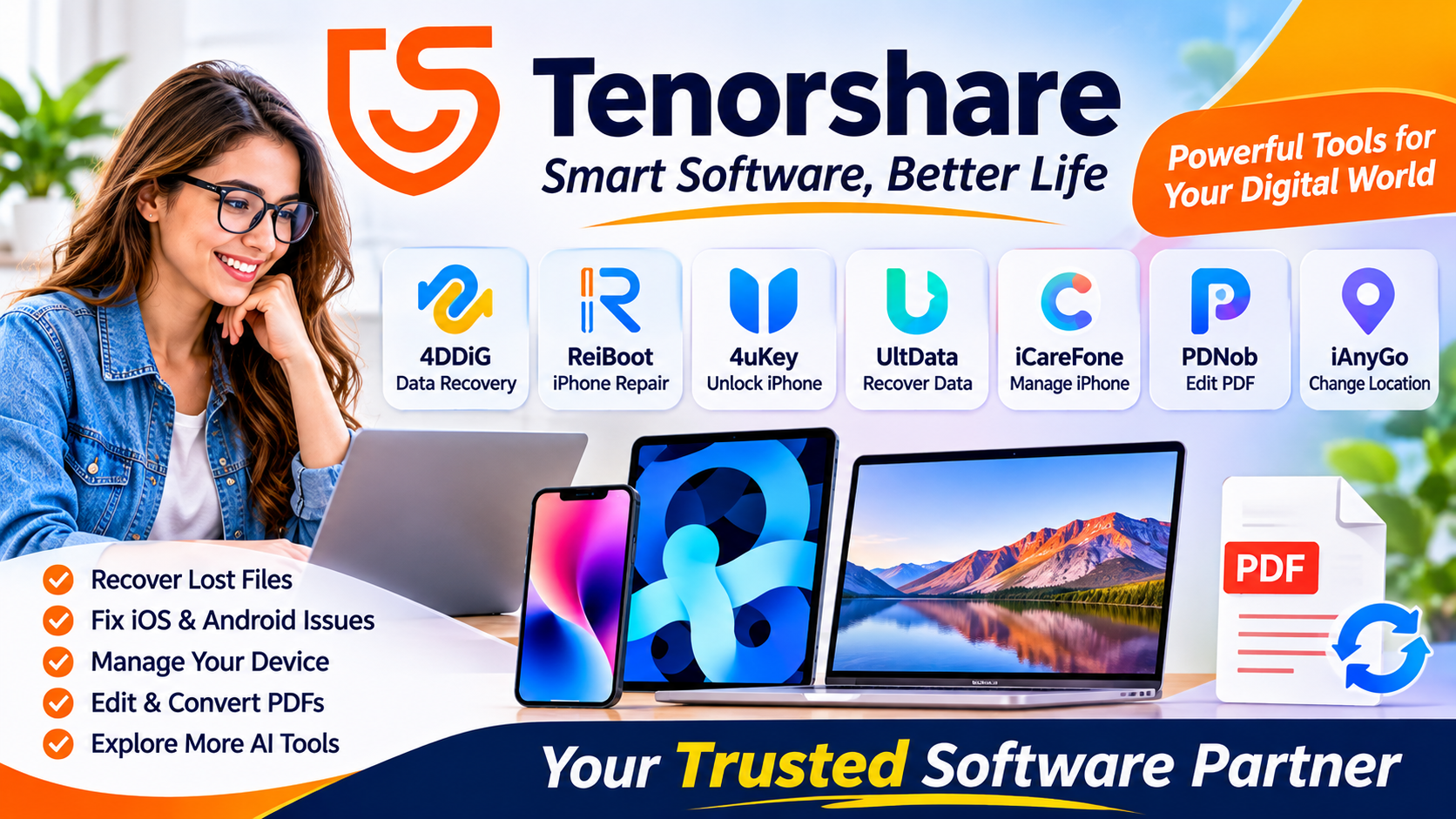
Its software portfolio includes popular product names such as 4DDiG, ReiBoot, 4uKey, UltData, iCareFone, iAnyGo, and PDNob.
Tenorshare aims to make technology-related tasks easier through tools that provide step-by-step processes for different user requirements.
According to the company’s official website, its products and services are available to users in more than 160 countries.
Popular Tenorshare Software Products
Tenorshare provides different applications for different technology needs. Here are some of its major products.
1. Tenorshare 4DDiG – Data Recovery Software
Losing important files can be frustrating, especially when they contain personal photographs, business documents, or work-related information.
Tenorshare 4DDiG is a data recovery solution designed to help users recover deleted or lost files from supported storage devices.
Its features include:
- Recovering selected deleted files
- Supporting different file formats
- Scanning supported storage devices
- Recovering data from certain formatted or inaccessible drives
- Supporting external storage devices such as USB drives and memory cards
The software may be useful for people who accidentally delete important files or experience data loss.
However, successful recovery is not guaranteed. Results depend on the storage device, file condition, and whether the lost data has been overwritten.
2. Tenorshare ReiBoot – iPhone System Repair
ReiBoot is designed to help users troubleshoot certain iPhone and iPad system problems.
Sometimes Apple devices may become stuck on the Apple logo, experience restart loops, or have difficulties entering or leaving recovery mode.
ReiBoot offers tools intended to address selected iOS system issues.
Some of its features include:
- Entering and exiting recovery mode
- Troubleshooting selected iOS problems
- Guided system repair processes
- Support for compatible Apple devices
- Windows and Mac availability
Users should carefully review the available repair options before proceeding, particularly when a process could affect device data.
3. Tenorshare 4uKey – Phone Unlocking Software
Tenorshare 4uKey is a software product designed for certain phone unlocking and passcode-related situations.
Depending on the version, supported device, and circumstances, it provides tools for addressing selected screen-lock problems.
Its product range includes solutions for iOS and Android devices.
Important considerations include:
- Device compatibility
- Supported operating system versions
- Potential data loss during unlocking
- Account verification requirements
- Ownership and activation-lock restrictions
Only use unlocking software on devices you own or are authorised to manage. It should not be considered a way to bypass another person’s account security or ownership protections.
4. Tenorshare UltData – Data Recovery for Smartphones
UltData provides data recovery solutions for compatible iPhone and Android devices.
It is designed to help users retrieve certain types of lost information, depending on the device and recovery method.
Potentially supported data categories include:
- Photos and videos
- Contacts
- Messages
- Selected app data
- WhatsApp-related information
The available recovery options differ between Android and iOS versions.
Before using any recovery tool, it is a good idea to check existing iCloud, Google, or local backups.
5. Tenorshare iCareFone – iPhone Data Management
Managing files between smartphones and computers can sometimes be inconvenient.
Tenorshare iCareFone provides tools for managing and transferring supported iPhone and iPad data.
Its features include:
- Backing up iPhone data to a computer
- Managing photos and videos
- Transferring supported files
- Managing contacts and other information
- Working with selected messaging data
It may be useful for people who want additional options for managing their Apple device content without relying entirely on iTunes.
6. Tenorshare PDNob – PDF Editing Software
PDF files are commonly used for education, business documents, applications, and professional communication.
Tenorshare PDNob provides PDF-related tools designed to simplify document management.
Depending on the version, its features include:
- Editing PDF documents
- Converting PDF files
- Adding annotations
- Extracting text using OCR
- Compressing documents
- Organising PDF pages
These features may be helpful for students, office workers, freelancers, and businesses that regularly work with digital documents.
7. Tenorshare iAnyGo – Location Changer
Tenorshare iAnyGo is a location-changing application designed for compatible iOS and Android devices.
It offers features such as virtual GPS location changes and simulated movement routes.
Potential use cases include testing location-based applications and exploring supported location-based features.
Users should review the terms of service of third-party applications before using location-changing tools, as some services may restrict this activity.
Key Features of Tenorshare Software
Tenorshare provides different tools, but several general features make its software portfolio worth exploring.
Multiple Software Categories: Users can find tools for smartphone repair, data recovery, file management, PDF editing, and AI productivity.
Cross-Platform Support: Selected products are available for Windows, Mac, Android, and iOS devices.
Guided Processes: Many applications provide step-by-step instructions to help users complete technical tasks.
Free Download Options: Some products offer free downloads or trial features. Full functionality may require a paid licence.
Different User Requirements: The product range covers personal, educational, professional, and business-related technology needs.
Benefits of Using Tenorshare
There are several reasons why users may consider Tenorshare products.
- Convenient Software Solutions: Different applications are available for common smartphone and computer problems.
- Data Management: Selected tools help users back up, transfer, and organise digital files.
- Recovery Assistance: Recovery applications may help retrieve certain lost files.
- Document Management: PDF tools provide additional options for editing and organising documents.
- Product Variety: Users can explore multiple tools depending on their technology requirements.
- Customer Support: Tenorshare provides support resources to help customers understand and use its products.
Things to Check Before Buying Tenorshare Software
Before purchasing any Tenorshare application, consider these important points:
- Device Compatibility: Check whether the software supports your smartphone or computer.
- Operating System: Review supported Windows, macOS, Android, or iOS versions.
- Pricing: Compare monthly, annual, and lifetime licence options where available.
- Free Trial: Check which features are available without purchasing.
- Data Safety: Create a backup before performing recovery, repair, or unlocking operations.
- Refund Policy: Read the current refund conditions before completing your purchase.
- Product Requirements: Make sure the specific application offers the feature you need.
Is Tenorshare Worth Considering?
Tenorshare offers a broad collection of software solutions for smartphone users, computer users, students, and professionals.
If you need to recover deleted files, troubleshoot selected phone system problems, transfer data, manage PDF documents, or use AI-powered productivity tools, its product portfolio may be worth exploring.
However, not every product is suitable for every situation. Data recovery depends on the condition of the storage device, while phone repair and unlocking tools have device-specific limitations.
It is best to identify your exact problem, compare available features, and check compatibility before purchasing a licence.
Where Can You Download Tenorshare Software?
You can explore the company’s software products, free downloads, pricing information, and support resources through its official website.
Official website: https://www.tenorshare.com/
Make sure you download applications from the official website or another authorised source. Check the product details and licence conditions before installing or purchasing software.
Frequently Asked Questions (FAQs)
1. What is Tenorshare used for?
Tenorshare develops software for data recovery, smartphone repair, file transfer, device management, PDF editing, and AI-powered productivity.
2. Is Tenorshare a software company?
Yes. Tenorshare is an international software company founded in 2007 that develops tools for smartphones and computers.
3. Does Tenorshare offer free software?
Some Tenorshare products offer free downloads or limited free features. Advanced functions may require a paid subscription or licence.
4. Can Tenorshare recover deleted photos?
Certain Tenorshare applications, including 4DDiG and UltData, offer photo recovery features for supported devices and storage systems. Recovery is not guaranteed.
5. Does Tenorshare work on Windows and Mac?
Yes. Several Tenorshare applications support both Windows and Mac computers. However, compatibility varies by product.
6. What is Tenorshare ReiBoot used for?
ReiBoot is designed to troubleshoot selected iPhone and iPad system problems, including recovery-mode-related issues.
7. What is Tenorshare 4DDiG?
4DDiG is a data recovery software product designed to help recover lost files from supported computers and storage devices.
8. Is Tenorshare suitable for students?
Yes. Students may find its PDF editing, file recovery, data management, and document-related tools useful for certain educational tasks.
9. Where can I find Tenorshare pricing?
You can visit the official Tenorshare website and open the relevant product page to check current pricing, available plans, and licence conditions.
Conclusion
Tenorshare is a software company offering a wide range of digital tools for smartphones, computers, and everyday technology tasks. Its products include 4DDiG for data recovery, ReiBoot for system repair, 4uKey for selected unlocking solutions, iCareFone for device management, UltData for mobile data recovery, and PDNob for PDF editing.
The company also offers additional applications for location management and AI-powered productivity.
Whether you are a student, professional, business owner, or everyday smartphone user, Tenorshare has different software options worth exploring.
Before making a purchase, compare the features, check device compatibility, review licence conditions, and understand the limitations of the selected product.
Overall, Tenorshare is a brand worth exploring if you are looking for software solutions to manage, repair, recover, and organise your digital devices and files.
