
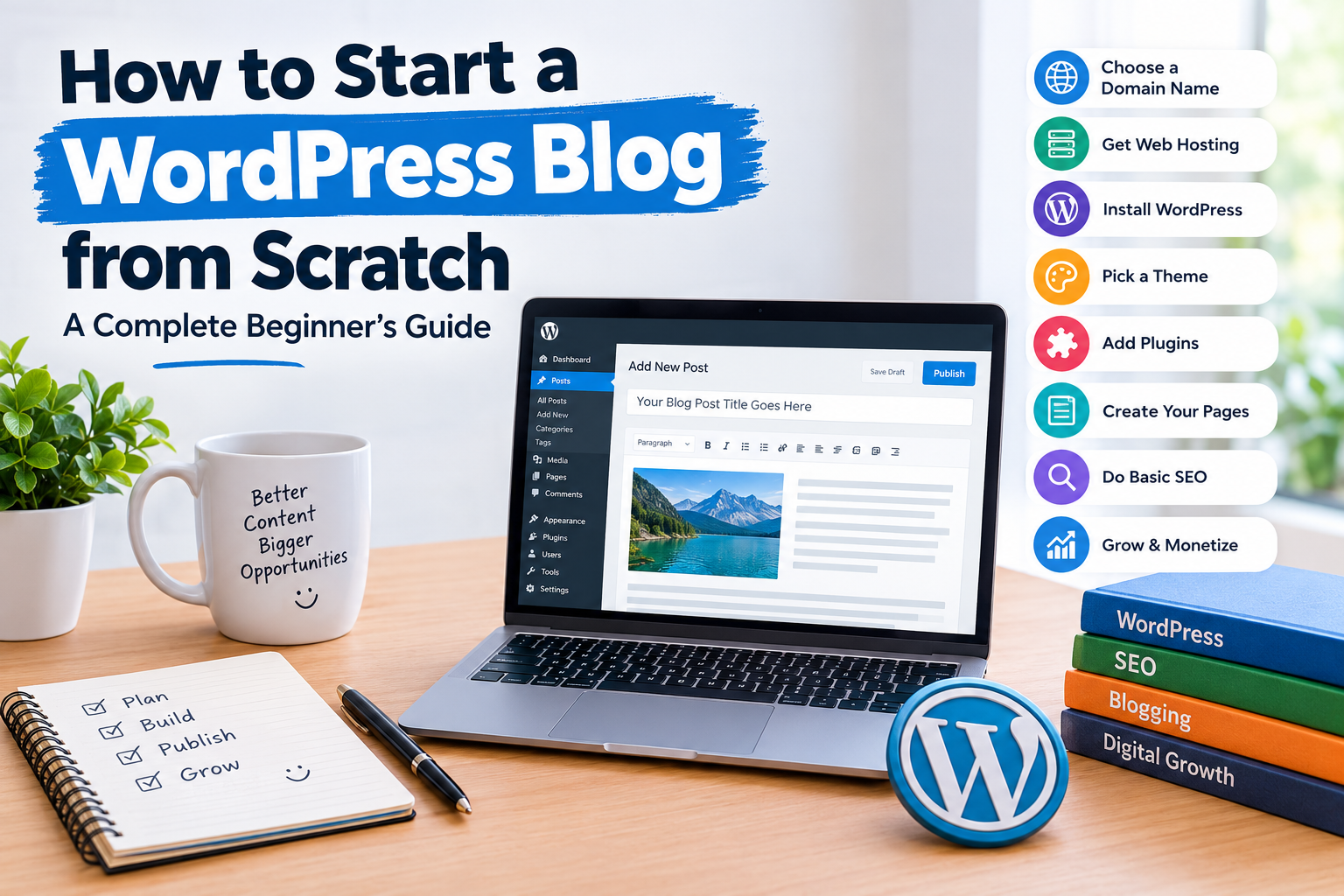
Starting a blog is one of the most practical ways to build an online presence, share knowledge, and create opportunities to earn money online. Whether you want to publish technology updates, product reviews, travel guides, educational content, or personal experiences, WordPress makes it easier to create and manage a professional website without advanced coding skills.
If you are wondering how to start a WordPress blog from scratch, this guide will walk you through everything step by step. You will learn how to choose a domain name, purchase web hosting, install WordPress, select a theme, publish your first article, and prepare your website for search engines.
1. Decide What Your Blog Will Be About
Before creating a website, decide what type of content you want to publish. Choosing a clear topic helps you attract readers who are interested in your content.
Here are some popular blog niche ideas:
- Technology: Gadgets, software, applications, and technology news.
- Travel: Travel destinations, hotel guides, and travel tips.
- Finance: Budgeting, saving money, and financial education.
- Lifestyle: Personal development, daily routines, and useful tips.
- Education: Online learning, career guidance, and tutorials.
- Food: Recipes, cooking tips, and food reviews.
- Automobile: Vehicle reviews, maintenance, and industry updates.
Choose a topic that you understand and can consistently create useful content about. You do not need to cover every subject from the beginning.
2. Choose a Domain Name
A domain name is your website’s online address. For example, www.example.com is a domain name.
Your domain name plays an important role in your website’s identity. Try to choose something that is easy to remember, simple to spell, and relevant to your blog.
Tips for choosing a domain name:
- Keep it short and memorable.
- Avoid unnecessary numbers and special characters.
- Choose a name related to your website’s subject.
- Prefer a familiar extension such as .com.
- Check whether the name is already registered or trademarked.
You can register a domain through providers such as Namecheap, GoDaddy, or directly through a hosting company.
3. Purchase Reliable Web Hosting
Web hosting is the service that stores your website’s files and makes them accessible online.
When someone visits your blog, the hosting server delivers the website’s content to their browser.
For a beginner, shared WordPress hosting is often a practical starting point. As your website grows, you can upgrade to a more powerful hosting plan.
Some hosting providers worth comparing include:
- Hostinger
- Bluehost
- SiteGround
- DreamHost
- HostGator
Before purchasing a hosting plan, compare its storage, server performance, renewal costs, customer support, backup options, and SSL availability.
Choose a plan that matches your current requirements rather than paying for unnecessary resources.
4. Install WordPress
Once you have purchased hosting and connected your domain, the next step is installing WordPress.
Many hosting companies provide a one-click WordPress installation feature.
Follow these general steps:
- Log in to your hosting account.
- Open the hosting control panel.
- Find the WordPress installer.
- Select your domain name.
- Enter your website title and administrator details.
- Create a strong administrator password.
- Complete the installation.
After installation, you can access your WordPress dashboard by visiting:
yourdomain.com/wp-admin
Enter your administrator username and password to access the website management area.
WordPress also offers extensive customization options, allowing you to manage pages, articles, menus, themes, and plugins from one dashboard.
5. Select a Professional WordPress Theme
A WordPress theme controls the appearance and layout of your website.
Choose a theme that loads quickly, works well on mobile devices, and provides a clean reading experience.
Some popular WordPress themes include:
- Astra
- GeneratePress
- Kadence
- Blocksy
- Neve
To install a theme:
- Open your WordPress dashboard.
- Navigate to Appearance and Themes.
- Click Add New Theme.
- Search for your preferred theme.
- Click Install.
- Select Activate.
Avoid themes with too many unnecessary design elements. A simple and professional layout is usually better for a content-focused blog.
6. Install Essential WordPress Plugins
Plugins add additional features and functionality to your WordPress website. You can use them for SEO, security, backups, contact forms, and performance optimization.
Here are some useful plugin options:
| Plugin | Main Purpose |
|---|---|
| Rank Math SEO | Search engine optimization |
| Yoast SEO | SEO management |
| WPForms | Contact forms |
| Wordfence | Website security |
| UpdraftPlus | Website backups |
| LiteSpeed Cache | Website performance |
| Site Kit by Google | Google service integration |
You do not need to install every plugin listed above. Select the tools that match your website’s requirements.
To install a plugin, visit Plugins, select Add Plugin, search for its name, and click Install Now followed by Activate.
Remember that installing too many plugins can make website management more complicated. Keep only the plugins you actually need.
7. Create Important Website Pages
Before publishing regular articles, create the essential pages that help visitors understand your website.
Consider adding these pages:
About Us: Explain what your website covers and what readers can expect.
Contact Us: Provide a contact form or a professional email address.
Privacy Policy: Explain how your website handles visitor information, cookies, and other data.
Disclaimer: Explain important limitations and disclosures related to your published content.
Terms and Conditions: Describe the rules for using your website.
These pages help establish transparency and make your website easier to navigate.
8. Publish Your First Blog Post
Now comes the most important part: publishing useful content.
WordPress makes article publishing straightforward. Open Posts, click Add New Post, and start writing.
A well-organized article should generally include:
- An informative title.
- A clear introduction.
- Relevant headings and subheadings.
- Helpful explanations and examples.
- Images where they add value.
- Internal and external links where appropriate.
- A useful conclusion.
For example, if your blog covers technology, you could publish articles about smartphone comparisons, software tutorials, useful applications, and product reviews.
Focus on solving readers’ problems instead of publishing articles only to include keywords.
9. Set Up Basic SEO for Your Blog
Search engine optimization (SEO) helps search engines understand your website and its content.
A few basic SEO practices can help you build a strong foundation.
Use descriptive titles: Write clear titles that explain what each article covers.
Research keywords: Understand the phrases people use when searching for information.
Write useful meta descriptions: Provide a short summary of each article.
Use headings correctly: Organize content using H1, H2, and H3 headings.
Add internal links: Connect related articles to help readers discover more content.
Optimize images: Compress images and write descriptive alternative text.
Create an XML sitemap: Make it easier for search engines to discover your website’s pages.
You can also connect your website to Google Search Console to monitor indexing and search performance.
SEO takes time. Publishing helpful content consistently is more valuable than trying to manipulate search rankings with repetitive keywords.
10. Make Your Blog Mobile-Friendly
A large number of people browse websites using smartphones and tablets. Therefore, your blog should provide a good experience across different screen sizes.
Check the following elements:
- Text should be easy to read.
- Menus should work properly on mobile devices.
- Images should fit the screen.
- Buttons should be easy to tap.
- Pages should load efficiently.
- Avoid excessive pop-ups and advertisements.
Most modern WordPress themes are responsive, but you should still test your website on different devices.
11. Promote Your Blog and Get Visitors
Publishing articles is only one part of building a successful blog. You also need to help people discover your content.
Here are some ways to promote your website:
Social Media: Share your articles on Facebook, Instagram, Pinterest, LinkedIn, and other relevant platforms.
Email Marketing: Build an email subscriber list and send useful updates to interested readers.
SEO: Publish content that answers questions people are searching for.
Online Communities: Participate in relevant communities and share genuinely helpful information when appropriate.
Guest Posting: Contribute useful articles to relevant websites to build relationships and reach new audiences.
Focus on platforms where your target audience spends time. Avoid spammy promotion techniques that can damage your website’s reputation.
12. How Can You Make Money From a WordPress Blog?
Once your website starts attracting visitors, you can explore different monetization opportunities.
Some common methods include:
Display Advertising: Advertising networks can display advertisements on your website and generate revenue based on eligible impressions or clicks.
Affiliate Marketing: Recommend relevant products or services using affiliate links and earn commissions on qualifying purchases.
Sponsored Content: Companies may pay publishers to create content featuring their products or services. Clearly disclose sponsored relationships.
Digital Products: Sell ebooks, templates, online courses, or downloadable resources.
Services: Use your blog to attract customers for consulting, writing, design, or other professional services.
Your earnings will depend on factors such as website traffic, audience location, content quality, advertiser demand, and monetization methods. There is no guaranteed income from blogging.
13. Common Mistakes to Avoid When Starting a Blog
Many beginners make avoidable mistakes when creating their first website.
Here are some things to watch out for:
- Choosing a domain name that is difficult to remember.
- Publishing copied or low-quality articles.
- Installing unnecessary plugins.
- Ignoring mobile users.
- Selecting hosting without comparing renewal costs.
- Forgetting website backups.
- Using copyrighted images without permission.
- Expecting immediate traffic from search engines.
- Publishing articles without proper research.
- Ignoring website security and software updates.
Building a successful blog requires patience, planning, and consistent improvement.
Frequently Asked Questions (FAQs)
1. Is WordPress good for beginners?
Yes. WordPress offers an easy-to-use dashboard, customizable themes, and thousands of plugins. Beginners can create and manage websites without needing advanced programming knowledge.
2. How much does it cost to start a WordPress blog?
The cost depends on your domain registration, hosting plan, premium themes, and optional plugins. You can begin with a relatively small budget and upgrade as your website grows.
3. Do I need coding skills to create a WordPress blog?
No. You can create a functional blog using WordPress themes, plugins, and its built-in content editor. Coding knowledge is helpful for advanced customization but is not necessary.
4. Can I earn money from a WordPress blog?
Yes. Bloggers can earn through affiliate marketing, display advertising, sponsored content, digital products, and professional services. Results depend on traffic, audience engagement, and monetization strategy.
5. How many articles should I publish every week?
There is no fixed requirement. Start with a realistic publishing schedule, such as two or three well-researched articles per week, and focus on maintaining quality.
6. Is WordPress.com different from WordPress.org?
Yes. WordPress.com is a hosted website platform with different plans and features. WordPress.org provides the open-source WordPress software that you can install on your own hosting account.
7. How long does it take for a new blog to get traffic?
It varies depending on the niche, competition, content quality, promotion, and SEO. A new website may take several months or longer to develop consistent organic traffic.
Final Thoughts
Starting a WordPress blog from scratch is easier when you follow a clear plan. Begin by selecting a suitable niche, registering a domain, and purchasing reliable hosting. Then install WordPress, choose a professional theme, configure essential plugins, and start publishing useful articles.
Do not worry about making your website perfect on the first day. Focus on creating valuable content, improving your website experience, and understanding what your readers need.
With consistent effort and a sensible content strategy, your WordPress blog can gradually develop into a useful online resource and a potential source of income.
